
SmartERP for restaurants
Ring up every table on one till, count stock against deliveries and record when kitchen and floor staff arrive, so the owner reads one set of figures after closing.
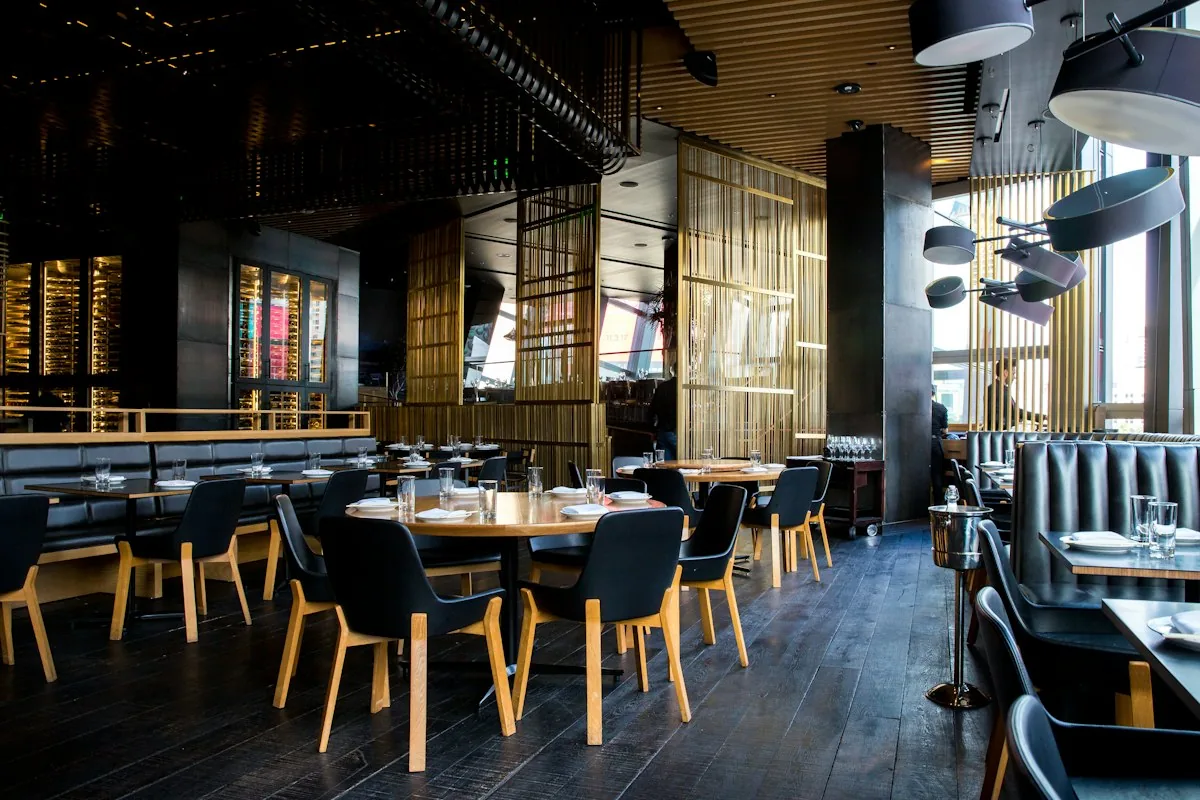
The till, the store and the kitchen staff of a restaurant on one set of records
A restaurant turns ingredients into plates and cash within hours, and fasting-day menus shift what is bought each week. SmartERP does not take reservations or run a kitchen screen. It ties the till to the store, the supplier bills and the ledger.
Begin with the Point of Sale till, Inventory, Purchase and Accounting, with Employees and Attendance for the kitchen and floor team.
Typical businesses: Family restaurants · Traditional Ethiopian eateries · Grill and roast houses · Fast-food outlets · Pizza and pasta houses
Problem-to-Solution Matrix
How SmartERP systematically replaces traditional operational bottlenecks with automated enterprise workflows in restaurants.
Waiters' bill books and the cash box disagree at closing
Orders are written on bill pads, then keyed into the cash box, so a missing bill or a wrong total is found only when the cashier counts up after service.
Automated end-to-end workflow on a unified PostgreSQL database with real-time audit trail and zero duplicate entry.
The store is counted only when something runs out
Oil, onions and flour are checked by eye, so the kitchen learns a shelf is empty in the middle of service, and a fasting-day rush makes it worse.
Automated end-to-end workflow on a unified PostgreSQL database with real-time audit trail and zero duplicate entry.
Deliveries arrive with handwritten bills nobody compares
Butchers, produce sellers and beverage suppliers hand over paper bills at the back door, and no one checks them against what was ordered.
Automated end-to-end workflow on a unified PostgreSQL database with real-time audit trail and zero duplicate entry.
Kitchen and floor staff sign in on paper sheets
Cooks, waiters and cleaners note their arrival on a sheet, so the manager adds up worked hours by hand before pay day.
Automated end-to-end workflow on a unified PostgreSQL database with real-time audit trail and zero duplicate entry.
More Than Business Apps: An Integrated Enterprise Operating Platform
SmartERP combines specialized industry applications, shared enterprise core services, and advanced modular extensions on a single unified PostgreSQL database.
Level 1: Specialized Industry Applications
Day-to-day OperationsThe operational applications that address the unique requirements of restaurants:
Level 2: Shared Enterprise Core Operating Platform
Organization-Wide BackboneCross-functional foundation shared across every department, branch, and role—powering coordination, document integrity, access security, and management governance:
Communication & Team Collaboration
Unified internal discussions, meeting coordination, and cross-team activity tracking.
- Direct messaging, department channels, and project discussion chatter
- Integrated calendar scheduling for client meetings and internal reviews
- Real-time activity coordination, milestone alerts, and document chatter
- Automated internal broadcasts and policy announcements
Documents & Knowledge Management
Centralized, version-controlled document repository and institutional knowledge base.
- Structured folders for contracts, drawings, specifications, and financial audits
- Revision control, audit history, and document check-in/check-out
- Organizational policies, Standard Operating Procedures (SOPs), and manuals
- Document approval workflows and controlled access permissions
Security, RBAC & Multi-Entity Governance
Granular role-based permissions, multi-company boundaries, and audit logging.
- Role-Based Access Control (RBAC) ensuring employees access only authorized menus
- Multi-company security isolating sister companies, joint ventures, and branches
- Strict financial delegation matrices and spend approval limits
- Immutable activity audit trails and session tracking
Workflow Automation & Process Governance
Configurable approval chains, automated stage triggers, and SLA escalations.
- Multi-level approval gates for purchase orders, contracts, and expenses
- Automated notifications when tasks change status or reach deadlines
- Inter-departmental handoffs (e.g. Site Requisition -> Procurement -> Invoicing)
- Escalation rules when approval requests exceed standard SLA thresholds
Enterprise Data, Dashboards & BI
Real-time management dashboards, analytic accounting, and executive reporting.
- Executive KPI cockpits with drill-down to underlying transactional vouchers
- Multi-dimensional analytic cost centers (by project, department, or contract)
- Financial statement generation: P&L, balance sheets, cash flow, trial balances
- Export to Excel, PDF, and automated scheduled management summaries
Platform Extensibility & Ethiopian Localization
Customer/vendor self-service portals, REST APIs, and local statutory compliance.
- Customer and supplier self-service portals for orders, bids, and invoices
- REST and JSON-RPC APIs for integration with banking, GPS, and custom apps
- Ethiopian Ministry of Revenue (MOR) 15% VAT and 2% / 30% WHT tax calculation
- National Bank of Ethiopia FX rate management and POESSA pension schedules
Capability Maturity & Delivery Matrix
Transparent, empirical classification of SmartERP capabilities for restaurants: distinguishing live production functionality, standard configuration, development requirements, and roadmap boundaries.
Core Operational Management
3 CapabilitiesSpecialized master records configured for industry operational entities and workflows.
Seamless document lifecycle from commercial quotation to order fulfillment and invoicing.
Integrated CRM and partner records with complete transaction history and communication chatter.
Supply Chain & Inventory Control
3 CapabilitiesDouble-entry stock movements with real-time valuation, batch/serial tracking, and reorder rules.
Purchase orders, vendor RFQs, supplier price comparison, and automated receipt matching.
Handheld scanner integration for fast stock receiving, internal transfers, and physical cycle counts.
Financial Governance & Ethiopian Compliance
4 CapabilitiesMinistry of Revenue compliant electronic tax invoices, WHT certificates, and monthly tax summaries.
National Bank of Ethiopia daily exchange rate synchronization and realized/unrealized FX gain/loss.
Analytic distributions across branches, operational units, and commercial contracts.
Digital merchant gateway webhooks for instant cashless customer settlement and automated reconciliation.
What each application does for restaurants
Point of Sale
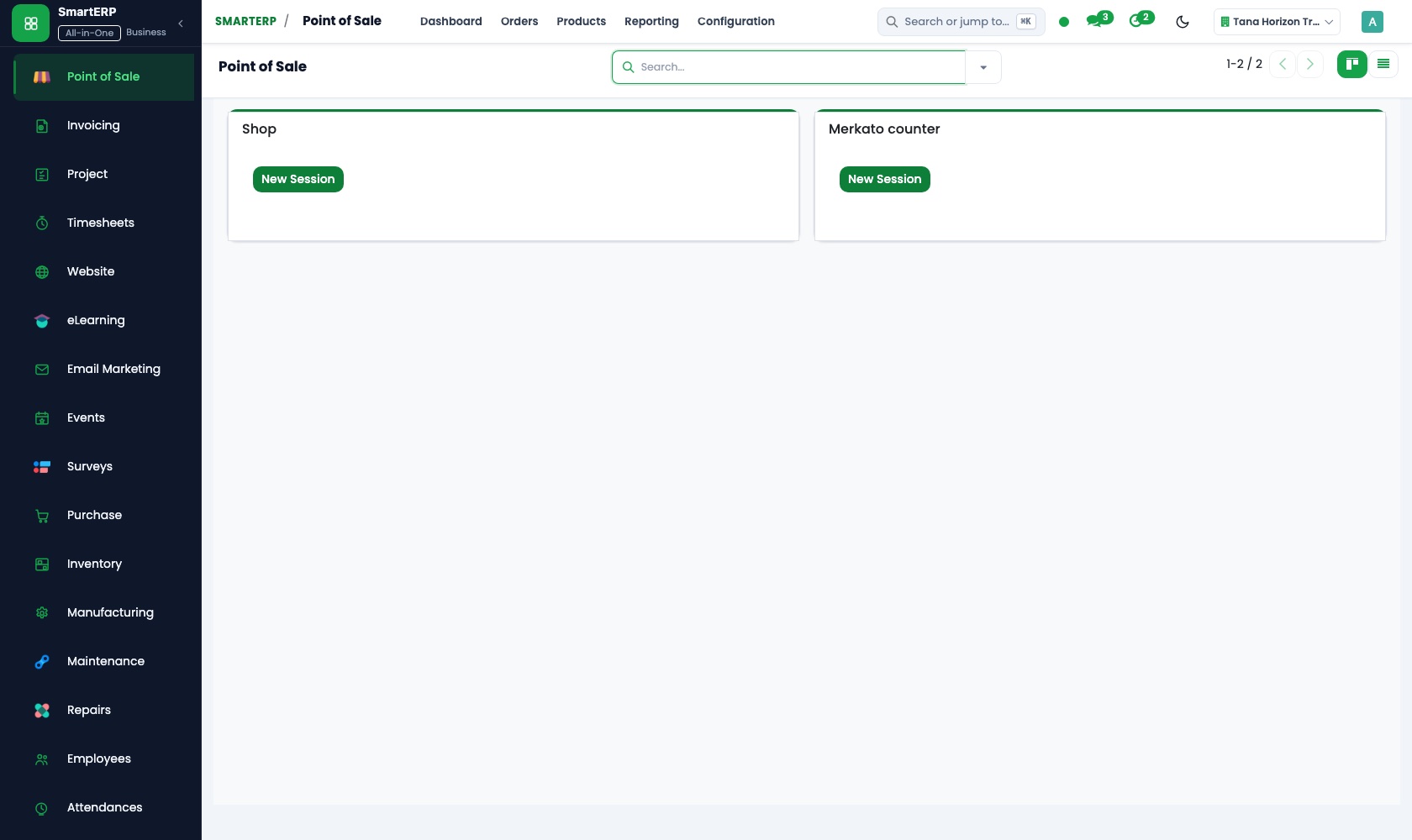
Each table's order is entered on the browser-based till. Cash and bank transfers are separate payment methods, and at closing the cashier counts the drawer and sees any difference.
Accounting
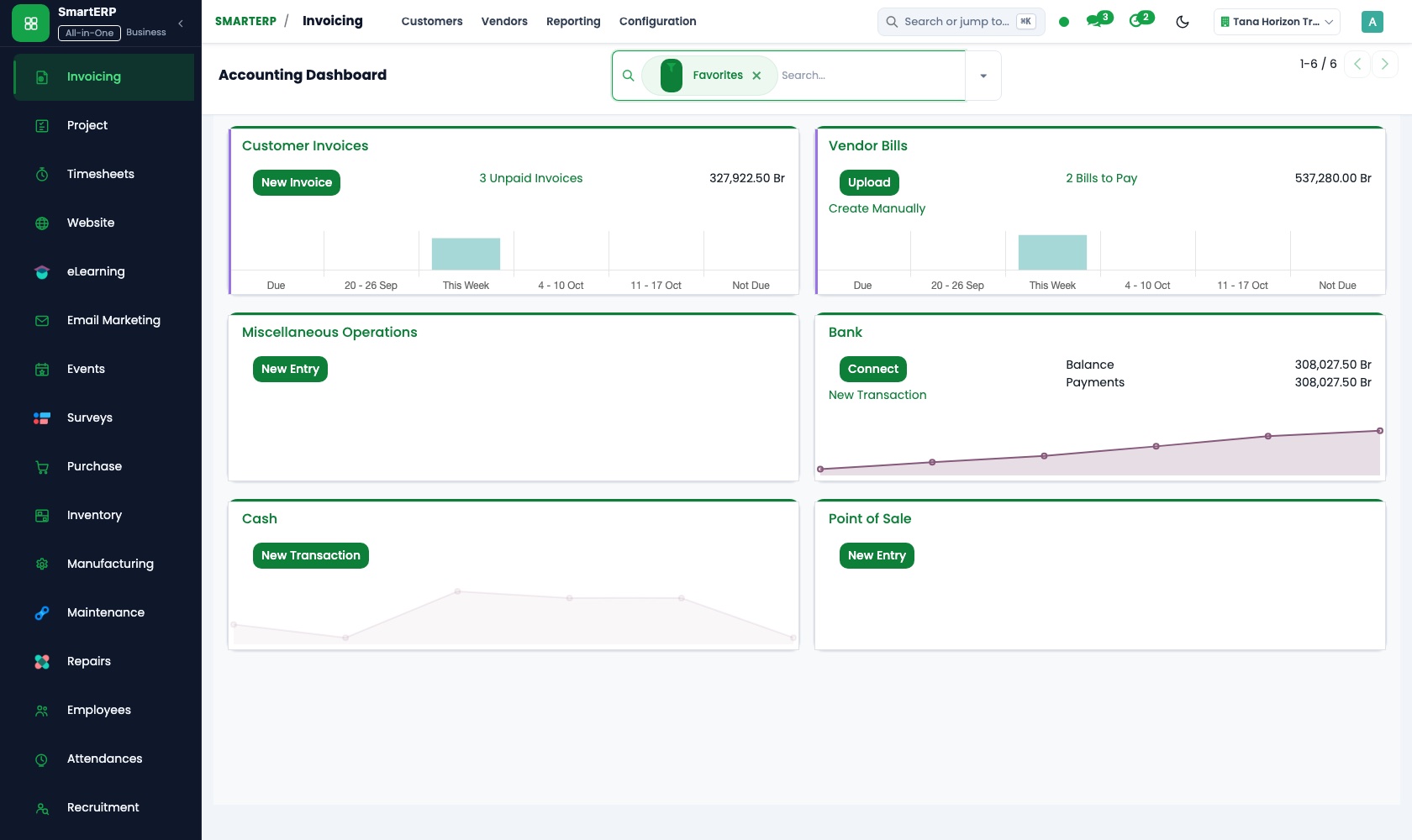
The evening deposit and the transfers are matched to the day's till sessions in bank and cash, and the owner reads the profit and loss report without adding up bill books.
Purchase
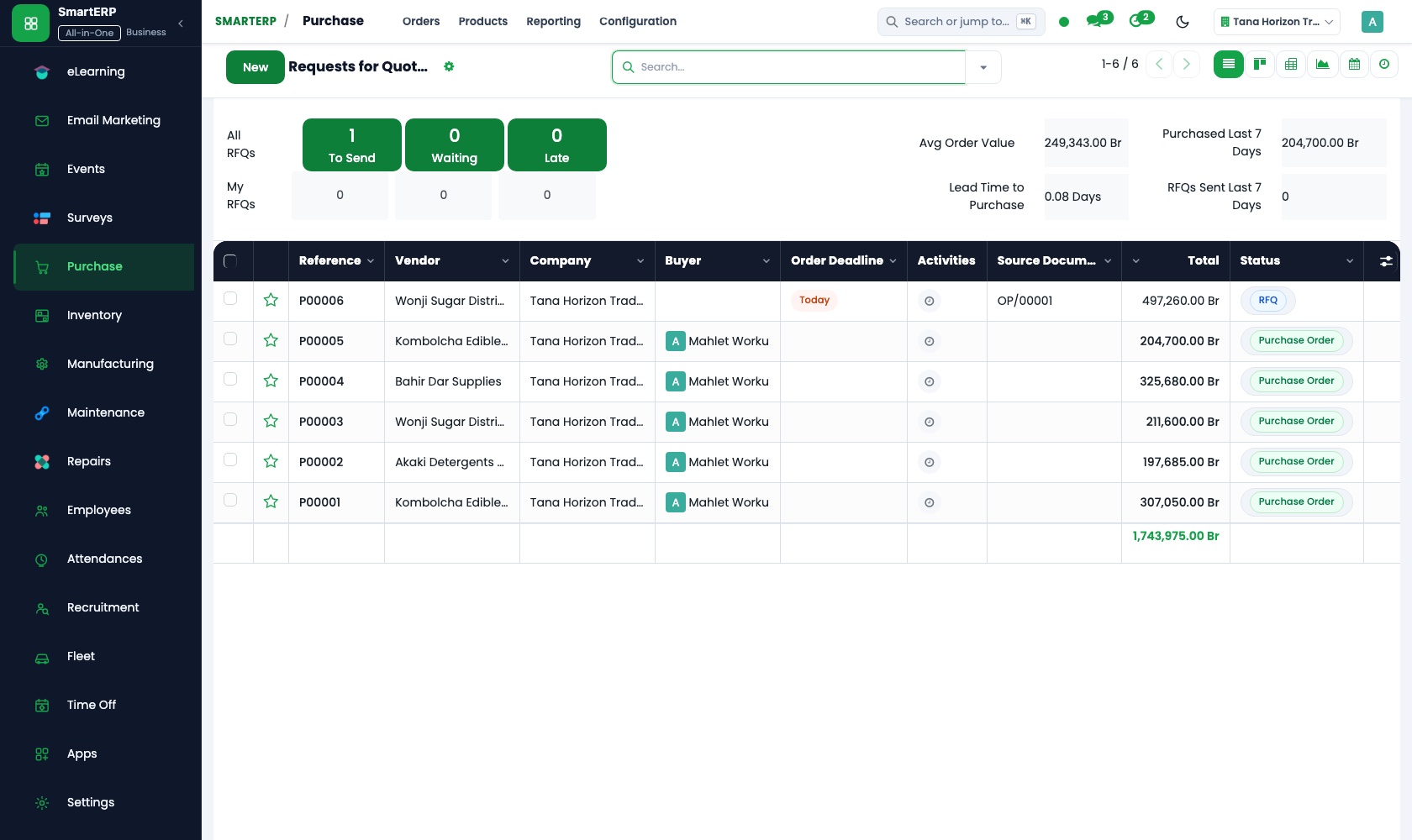
Oil, flour, meat and drinks are ordered from named butchers, produce sellers and beverage suppliers. The delivery and its paper bill are compared with the purchase order at the back door.
Inventory
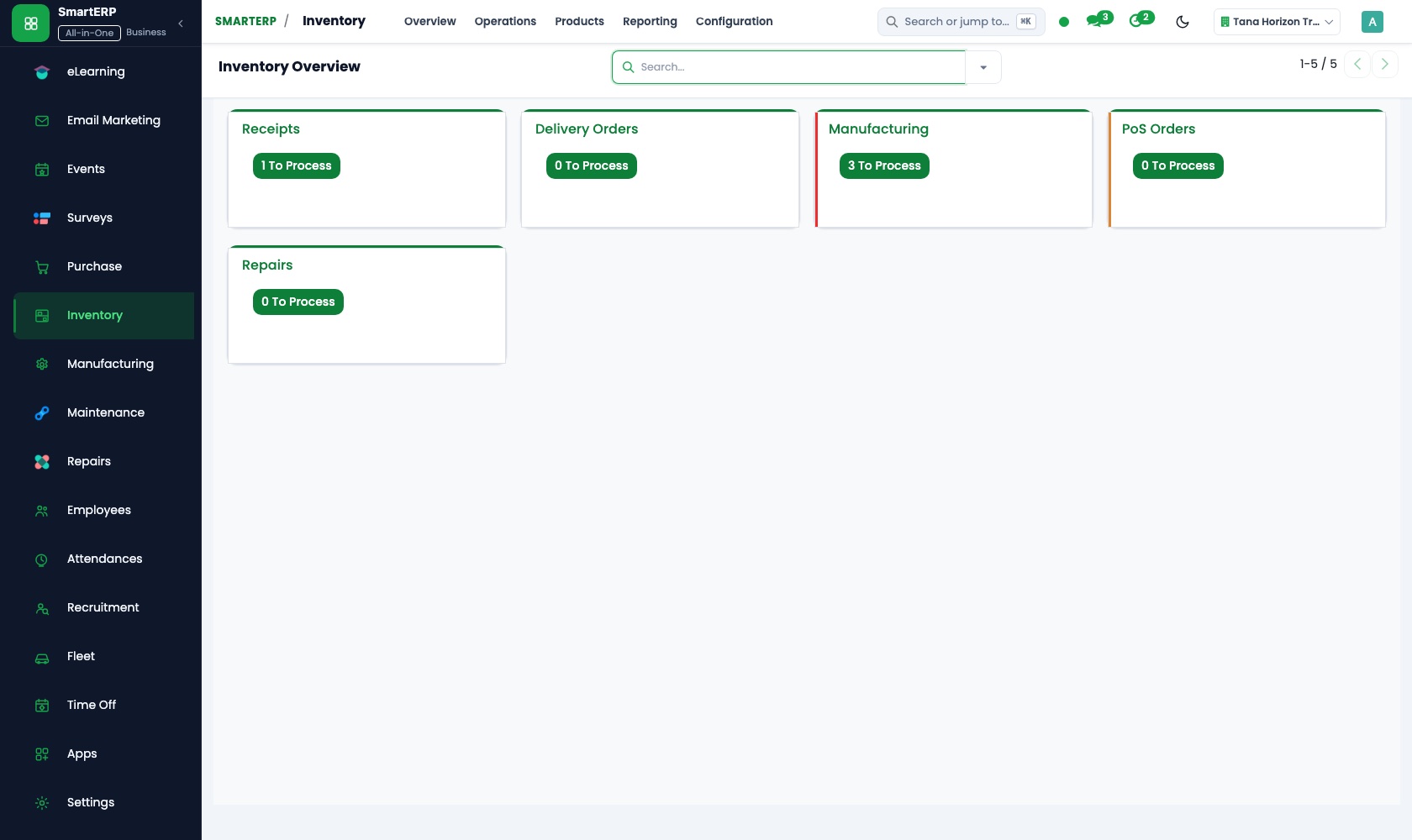
A minimum for oil, flour, onions and drinks flags a low shelf before the kitchen runs out. After the weekly stock-take the count is adjusted and spoiled stock is recorded.
Employees
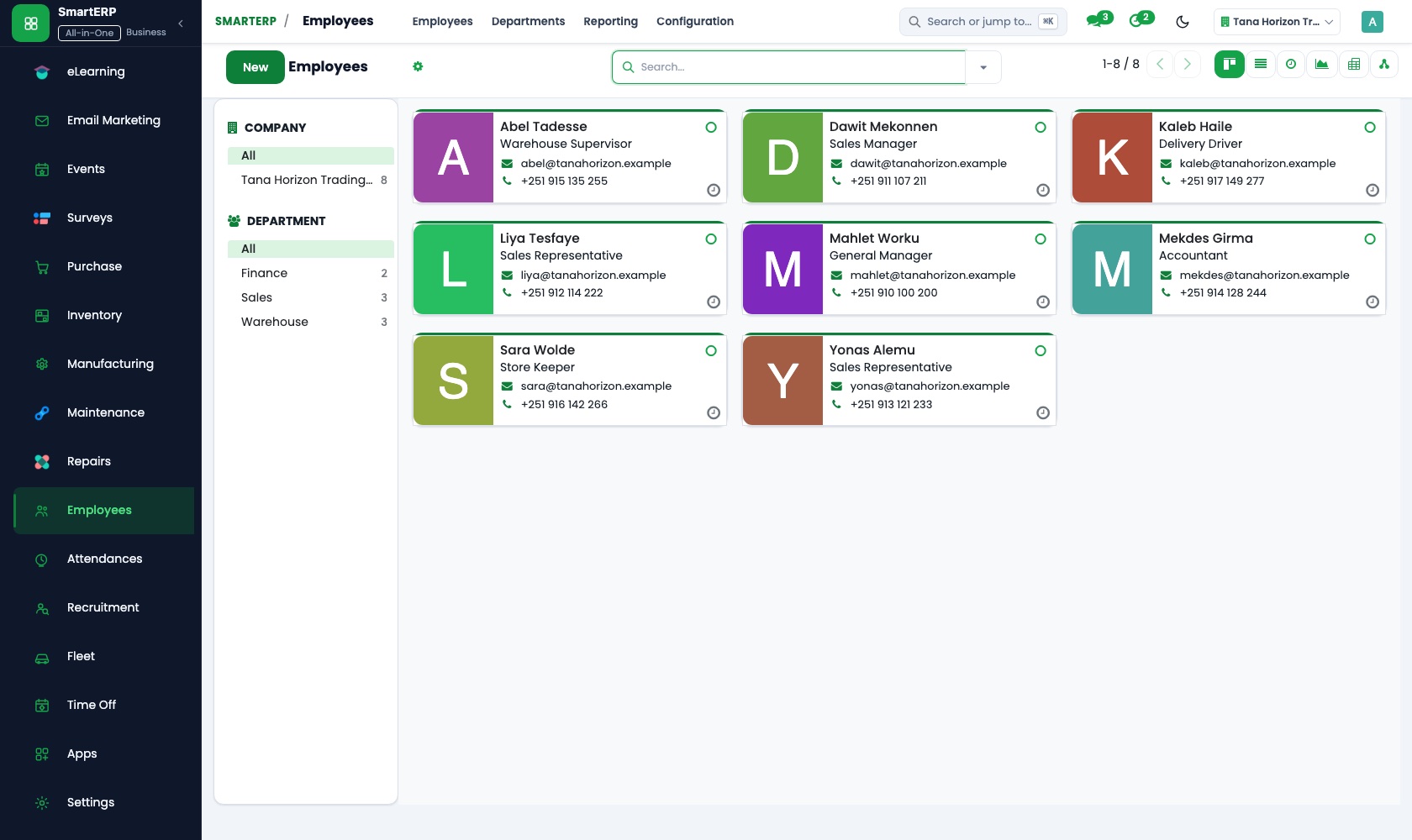
Every cook, waiter and cleaner has one record with a job position, a department and a manager. Private details stay visible only to the HR officer.
Attendance
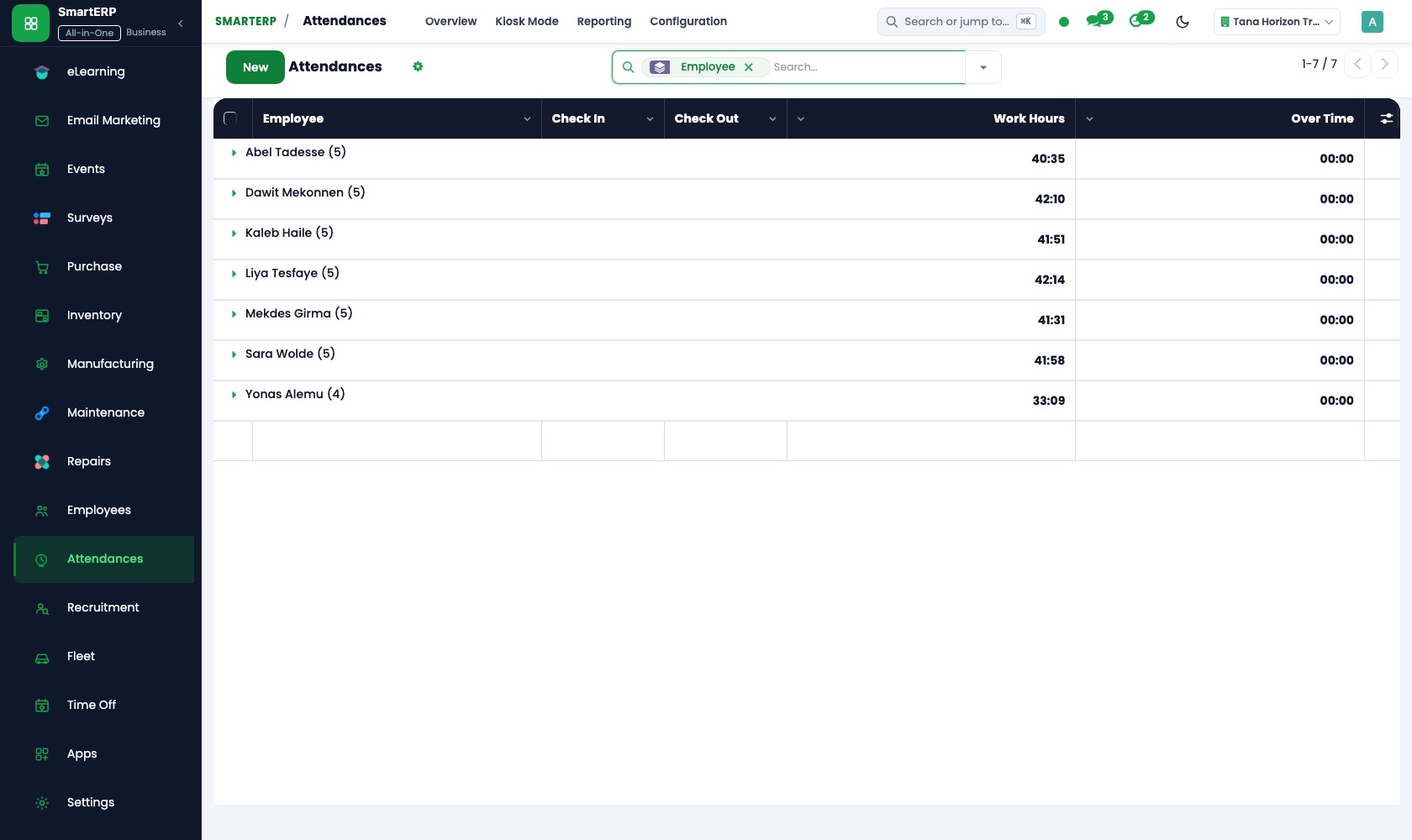
Kitchen and floor staff check in on a shared kiosk screen with a badge or PIN, and the manager reviews and corrects the worked hours.
How the work runs on SmartERP
From a served table to a closed till session
Orders are rung up on the till and paid in cash or by transfer, stock is drawn down, and the cashier closes the session with the drawer counted.
- Point of Sale: Browser-based till Enter each table's order on the till screen in the dining room.
- Point of Sale: Payment methods Record cash and bank-transfer payments as separate methods so each has its own total.
- Point of Sale: Stock integration Let sales reduce the stock of drinks and ingredients held in the restaurant store.
- Point of Sale: Sessions and cash control Count the cash drawer at closing and see any difference against what the till expects.
- Accounting: Bank and cash Match the evening deposit and the transfers to the day's till sessions.
From a low shelf to a checked supplier delivery
Stock that falls below its minimum leads to an order; the delivery is checked against it and the count is corrected at the weekly stock-take.
- Inventory: Reorder rules Set a minimum for oil, flour, onions and drinks so a shortfall is flagged before the shelf is empty.
- Purchase: Purchase orders Order the shortfall from the butcher, the produce seller or the beverage supplier.
- Purchase: Receipts and three-way matching Check the delivery and its bill against the order before the driver leaves.
- Inventory: Stock valuation and adjustments Correct the count after the weekly stock-take and record what was spoiled or thrown away.
Your first month
- First week. We agree the dishes, drinks, prices and payment methods for the till, then load your products, suppliers and staff into SmartERP.
- Second week. The store gets its locations and opening count, with minimums for oil, flour, onions and drinks. The chart of accounts and bank account are set with your accountant.
- Third week. Cashiers practise opening and closing a till session, the storekeeper receives a real delivery against an order, and cooks and waiters check in at the kiosk.
- After go-live. The owner and manager review closing differences, delivery checks and worked hours with us, and we adjust minimums and the till menu.
What to have ready
- Your menu with dish and drink names and prices
- The suppliers you buy from, with what each one delivers
- The store items and the minimum you want for each shelf
- A staff list with position, department and start date
- Opening cash, bank account details and balances from your accountant
Live Platform Interface
The applications on screen
Authentic SmartERP application workspaces configured for restaurants workflows.
Who uses it
- Business owner or general managerSee the whole business and keep every department working on the same records.
- Finance and accountingInvoices, bills, bank and reports from one ledger.
- Purchasing and storesBuy, receive and control stock.
- Operations and productionPlan production, maintain equipment, deliver on time.
Company sizes
- Up to 10 people
- 11 to 50 people
- 51 to 100 people
What SmartERP does not cover for this industry
SmartERP does not include a table reservation book, a floor plan, a kitchen order screen, recipe costing or mobile-wallet payments, and it does not calculate salaries from worked hours. Attendance records the hours only.
Questions about SmartERP for restaurants
Does SmartERP take table reservations or run a kitchen screen?
No. SmartERP does not include a reservation book, a floor plan or a kitchen order screen. Keep your current method for reservations.
When a waiter sells a plate, does the store stock go down?
Yes, for products sold on the till: every sale reduces stock in the shop location. Recipe costing is not included, so the weekly stock-take corrects ingredient counts.
Can a customer pay with telebirr or another mobile wallet?
No. Mobile-wallet payments are not offered today. The till records cash and bank-transfer payments as separate methods, each with its own total.
How do the till, the store and the suppliers work together?
A sale lowers stock, reorder rules flag what is low, and Purchase turns the need into an order. The delivery is received against it and the bill is registered in Accounting.
Does SmartERP work out cooks' and waiters' pay from their hours?
No. Attendance records worked hours, but SmartERP does not calculate salaries from them. Payroll is available only through an implementation project.
See it before you decide
One evening's tables from till to closed cash session
The walkthrough rings up tables on a fictional restaurant's till, records cash and transfer payments, closes the session and matches the deposit at the bank.
There is no self-service sandbox. The demo is a guided walkthrough on sample data, or you can start a trial workspace.
Pricing
SmartERP has an industry edition for this sector (Restaurant). The applications listed above are its applications, and the editions, their staff bands and the current prices are on the pricing page. This page shows no price.
Editions for this industry
- Starter: Up to 50 staff
- Enterprise: 51 to 100 staff
- Premium: 101 to 200 staff
The edition installs Accounting, Attendance, Employee MS, Finance, Smart Inventory, Smart Purchase, Point of Sale, Inventory, Purchase. This list is read from the same catalogue the sign-up uses.
See plans and pricingEnterprise Website Template for restaurants
Launch your modern, responsive commercial website without writing code. This template is pre-engineered for restaurants with localized Ethiopian workflows, dual English and Amharic content, and automatic SmartERP CRM lead capture.
Transform Your restaurants Operations with SmartERP
Experience a localized, unified cloud platform configured for Ethiopian and regional business standards. Book a live walkthrough or start your trial.